Starting the Shoot
Start Backup Recording
On the HyperDeck, press the red circle to start recording.
Start Recording on the Main Board (Switcher)
On the touch screen click “Begin recording now” and then “Ok”.
Press the Start Light Button
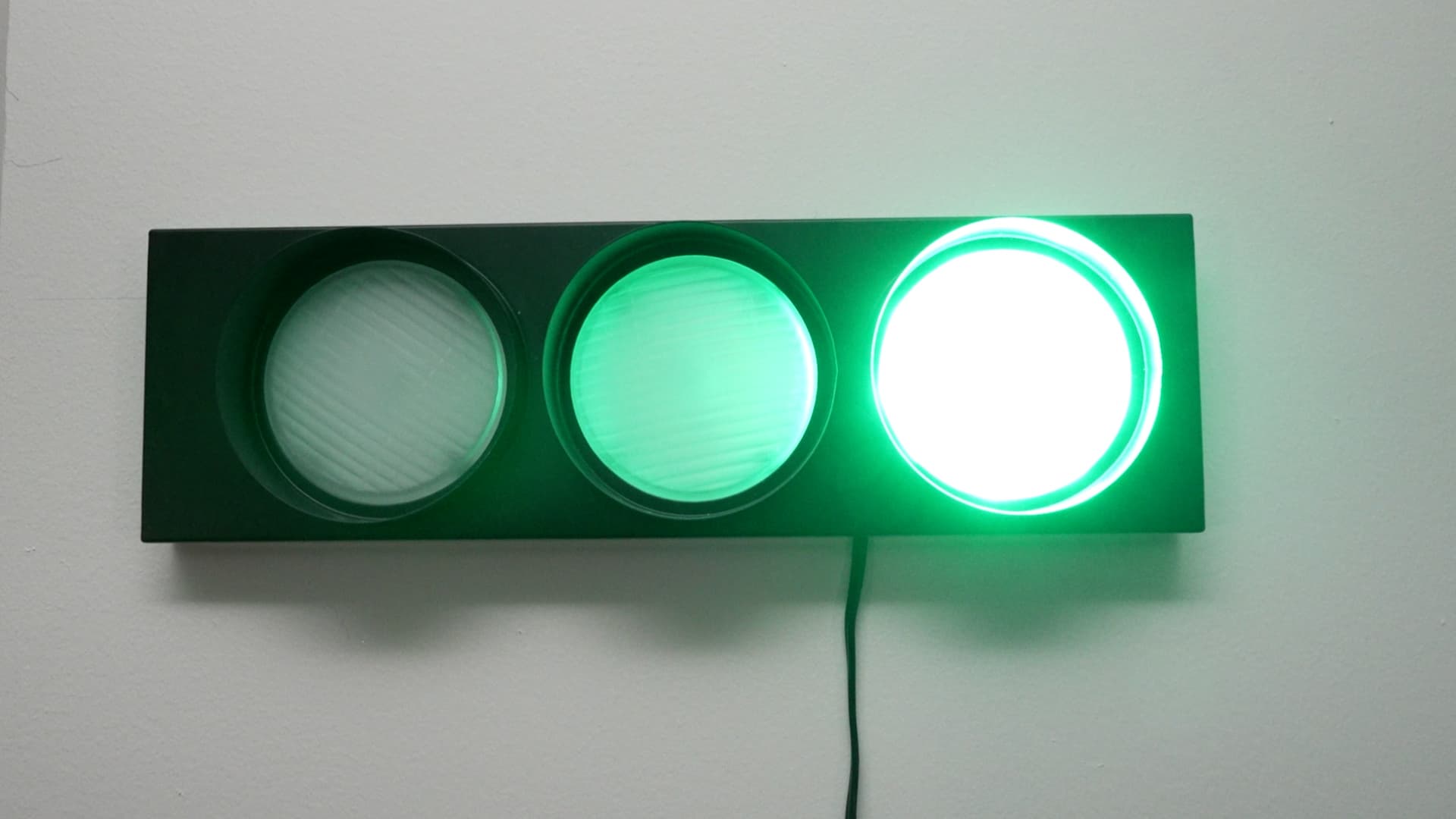
Activate the green light to signal the talent to begin.
Important Reminder
- To stop recording on the main board, press the same button on the touchscreen.
- DO NOT remove the SD card before stopping the recording.